Decoupling Slow AI Calls: When to Introduce a Queue
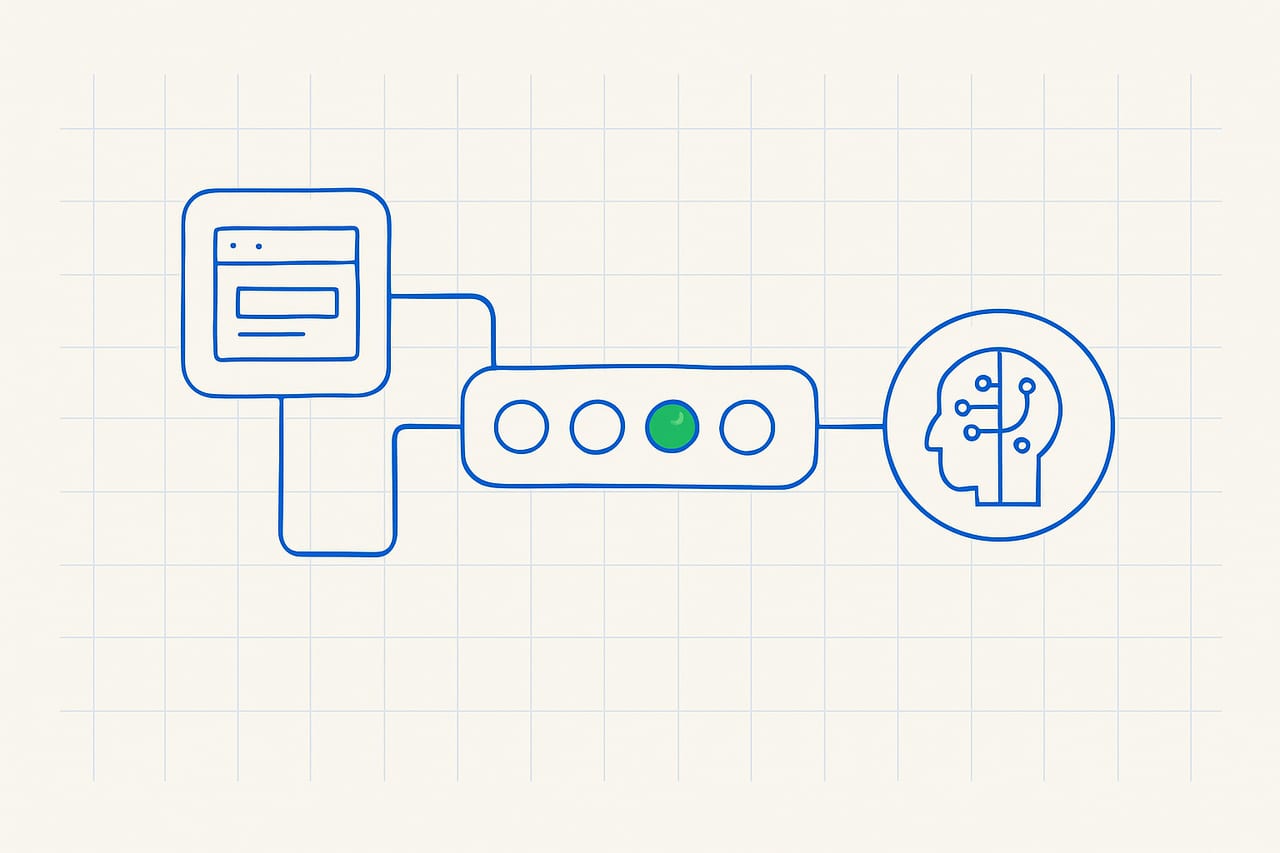
- Introduce queues to handle latency from AI model calls.
- Decoupling improves system responsiveness and user experience.
- Use techniques like delayed processing to manage costs effectively.
- Monitor queue depth to avoid bottlenecks in high-load scenarios.
The problem
Startups integrating AI functionalities often face significant latency during model inference. This is particularly evident when high-demand models are called synchronously in user-facing applications. Founders and engineers encounter slow response times, leading to a poor user experience and potential loss of customers. For instance, an AI-driven recommendation engine might take up to 300ms to respond, causing a cascading delay in the overall request processing time.
What we found
Introducing a queue can be counterintuitive, as it shifts complexity from synchronous processing to asynchronous handling. However, this reframing allows for better resource allocation and prevents the system from being held hostage by slow AI responses. By implementing a messaging queue, engineers can manage workloads more effectively, ensuring that while AI calls may take longer, the user experience remains smooth and responsive. This approach often reveals that only 20-30% of requests require immediate processing, allowing for optimization opportunities.
How to implement it
Begin by introducing a message broker like RabbitMQ or AWS SQS to decouple your AI calls from the main request path. First, identify the API endpoints that invoke slow AI models and refactor them to push requests into the queue instead of processing them synchronously. Next, implement worker services that consume from the queue, process the AI calls, and store results in a database or cache. For instance, you could set up a Redis cache to temporarily hold responses for quick retrieval. Ensure that your system can handle retries and errors gracefully, implementing idempotency for critical operations. Finally, monitor queue metrics to adjust the number of workers based on traffic patterns, ensuring optimal performance during peak loads.
How this makes life easier
By decoupling slow AI calls, you significantly enhance the responsiveness of your application. Users experience minimal latency, which can lead to improved engagement and retention rates. Additionally, managing AI calls asynchronously allows for better scaling and resource utilization, enabling your infrastructure to handle bursts of traffic without degradation of service. This approach can reduce average response times by up to 70% during peak loads, translating to a more reliable and cost-effective system.
Trade-offs of Queue Implementation
While introducing a queue improves responsiveness, it also adds complexity to your architecture. You must manage additional components, such as the message broker and worker services, which can introduce new failure points. Additionally, if not monitored properly, queues can become overloaded, leading to increased latency and potential data loss if messages are not persisted. It's crucial to define clear thresholds for queue depth and implement alerting mechanisms to prevent such pitfalls.
Figures are industry-typical ranges for these techniques, not guaranteed results — actual numbers depend on your workload.
The solution
Implement a message queue to decouple slow AI calls from your application’s request path, enhancing responsiveness and scalability while managing costs effectively.
FAQ
How do I choose the right message broker?
Consider your team’s familiarity with the technology and the specific requirements of your application. For high throughput, RabbitMQ or Kafka are excellent choices, while AWS SQS is great for simpler use cases.
What if my AI calls are already optimized?
Even optimized calls can be unpredictable under load. Introducing a queue allows you to manage spikes in requests without affecting user experience, providing a buffer for additional processing.
How do I handle errors in queued tasks?
Implement retry logic with exponential backoff and consider dead-letter queues for failed messages to ensure that nothing is lost and to allow for manual intervention if necessary.
Will this increase my cloud costs?
While there may be additional costs for running a message broker and worker services, the trade-off in improved performance and user retention often outweighs these costs. Monitor your infrastructure to optimize resource allocation.
Want help to build a backend structured to scale?
This is exactly what our backend & API development work covers. Book a build audit and we'll map it against your real architecture and cost curve.
Book a Build Audit