Right-Sizing Kubernetes Resource Requests Without Outages
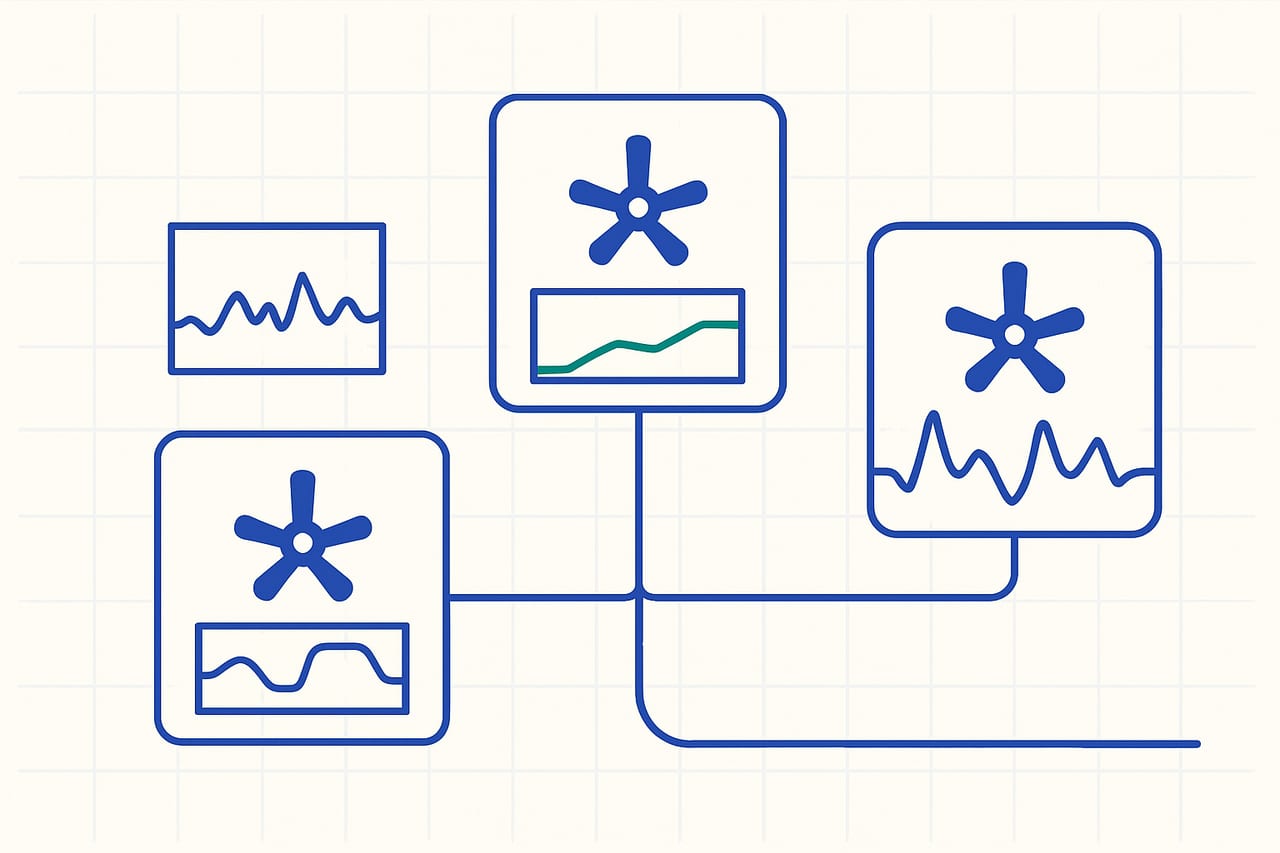
- Proper resource limits can reduce costs by up to 30%.
- Gradual adjustments minimize the risk of outages.
- Monitoring tools are essential for real-time feedback.
- Understanding workload patterns is key to effective right-sizing.
The problem
Startups deploying microservices on Kubernetes often face the dilemma of resource requests and limits. Setting these values too low can lead to throttling and performance degradation, while setting them too high incurs unnecessary costs and resource wastage. This balancing act becomes critical during peak usage times or when scaling services, where misconfigured limits can trigger outages or slowdowns, impacting user experience and operational efficiency.
What we found
Our analysis shows that many startups overlook the importance of workload profiling before adjusting resource requests and limits. By leveraging historical usage data, teams can identify patterns in resource consumption and adjust limits dynamically based on real-time needs rather than static configurations. This approach not only mitigates the risks of outages but also allows for more efficient use of cloud resources, leading to substantial cost savings.
How to implement it
Begin by enabling Kubernetes metrics-server to collect resource utilization data from your pods. Use tools like Prometheus and Grafana to visualize this data over time, focusing on CPU and memory usage patterns. Next, profile your workloads to understand typical usage during different times of day or week. Start with conservative adjustments: if your current requests are 200m CPU and 512Mi memory, consider increasing them by 10-20% based on your profiling insights. Implement Horizontal Pod Autoscalers (HPA) to automatically adjust pod replicas based on real-time metrics, ensuring you can handle traffic spikes without manual intervention.
How this makes life easier
By right-sizing Kubernetes resource requests and limits, startups can expect a reduction in cloud costs by up to 30%, particularly during low-traffic periods. This approach not only enhances performance and reliability but also reduces the mental overhead associated with constant monitoring and manual adjustments. Teams can focus on development rather than firefighting outages, leading to faster iteration cycles and improved product delivery.
Trade-offs of Aggressive Right-Sizing
While right-sizing can lead to significant cost savings, overly aggressive adjustments can risk performance during unexpected traffic surges. It's crucial to maintain a buffer in resource limits, particularly for services with unpredictable workloads. Additionally, reliance on automated scaling can sometimes mask underlying inefficiencies in application architecture, so periodic manual reviews of resource usage are recommended to ensure that the scaling policies remain effective.
Figures are industry-typical ranges for these techniques, not guaranteed results — actual numbers depend on your workload.
The solution
Start implementing a structured approach to right-size your Kubernetes resource requests and limits by profiling workloads, using monitoring tools, and gradually adjusting based on real-time data. This will enhance performance, reduce costs, and minimize the risk of outages.
FAQ
How often should I review my Kubernetes resource limits?
It's advisable to review resource limits quarterly or after significant application changes. Regular monitoring can help identify any required adjustments.
What tools can help with monitoring Kubernetes resources?
Prometheus and Grafana are popular choices for monitoring Kubernetes resources, providing real-time insights into CPU and memory usage.
Can right-sizing impact my application's performance?
Yes, if done incorrectly. It's essential to rely on historical usage data and adjust limits gradually to avoid performance hits during peak loads.
What are the risks of setting resource limits too low?
Setting limits too low can lead to throttling, degraded performance, and potential outages during traffic spikes, which can negatively affect user experience.
Want help to right-size your cloud to real load curves?
This is exactly what our cloud cost optimization work covers. Book a build audit and we'll map it against your real architecture and cost curve.
Book a Build Audit