Routing Non-Urgent AI Work to Batch APIs for Cost Efficiency
- Batch APIs can cut AI processing costs by up to 50%.
- Non-urgent tasks are ideal candidates for batch processing.
- Implementing a queue for non-urgent requests enhances efficiency.
- Prioritize user experience by managing response expectations.
The problem
Startups often face escalating costs associated with real-time AI processing, especially when handling non-urgent tasks. For example, tasks like data analysis or report generation can consume significant resources if routed through synchronous APIs. This not only inflates operational costs but also risks degrading user experience due to increased latency during peak usage times.
What we found
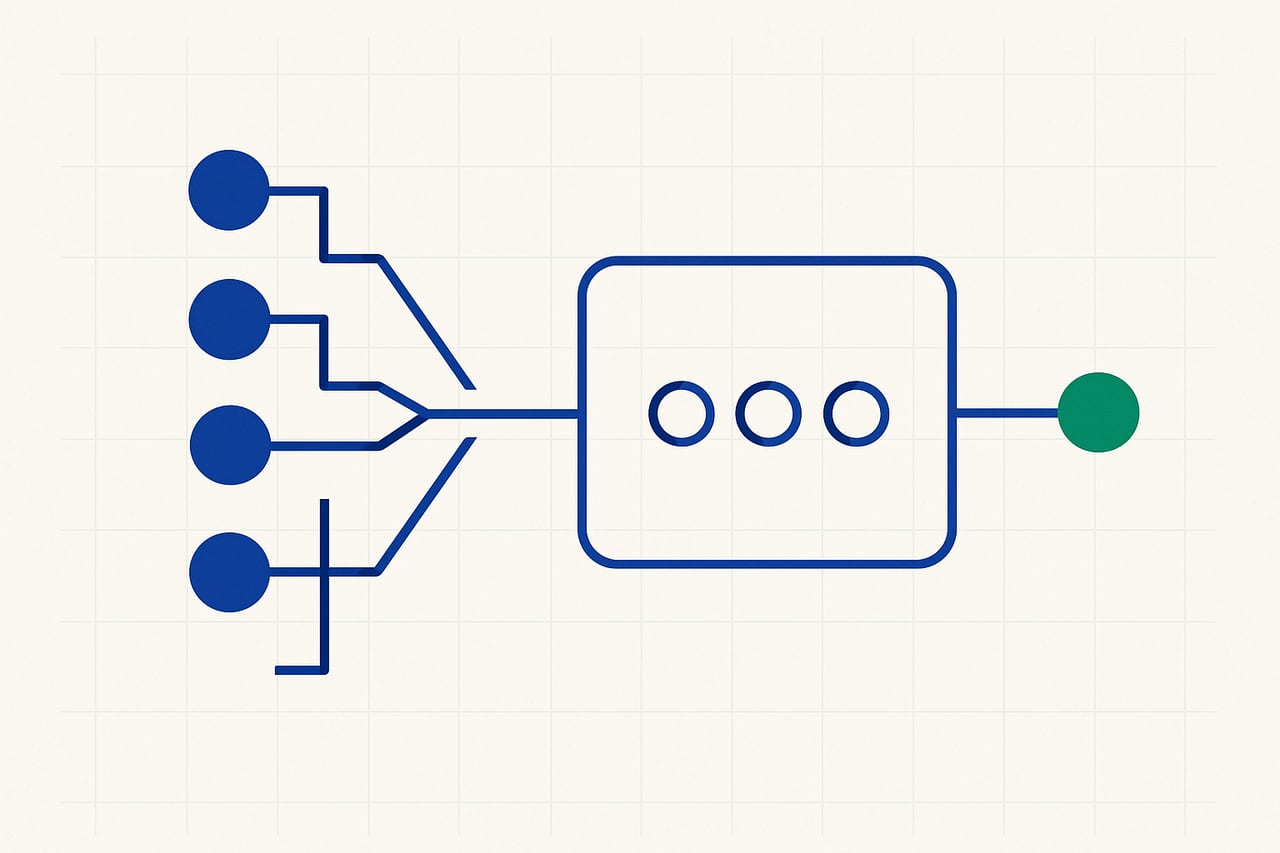
By routing non-urgent AI workloads to Batch APIs instead of synchronous endpoints, startups can achieve substantial cost savings without sacrificing user experience. Batch processing allows multiple requests to be aggregated and processed together, optimizing resource utilization. For instance, a startup can handle 100 requests in a single batch, reducing per-request costs significantly while ensuring that users do not experience delays for urgent tasks.
How to implement it
1. Identify non-urgent AI tasks in your workflow, such as analytics or reporting functions that do not require immediate results. 2. Implement a queuing system (like RabbitMQ or AWS SQS) to manage these requests, ensuring they are stored until a batch processing window opens. 3. Configure your Batch API to process these queued requests at regular intervals, optimizing for resource allocation. 4. Monitor the performance and costs associated with this new routing strategy to fine-tune batch sizes and processing times.
How this makes life easier
By routing non-urgent AI tasks to Batch APIs, startups can cut AI processing costs by approximately 50%, allowing for better allocation of resources towards urgent tasks. This approach not only reduces operational expenses but also enhances system reliability by minimizing peak load on real-time services. Furthermore, it provides a clearer structure for managing workload priorities, improving overall system efficiency.
Potential pitfalls of batch processing
While batch processing is advantageous, it is crucial to manage user expectations regarding response times. If not communicated effectively, users may become frustrated with delayed outputs. Additionally, ensure that your system can handle edge cases where urgent requests may need to be prioritized over batch jobs, as failure to do so can lead to a bottleneck in critical service areas.
Figures are industry-typical ranges for these techniques, not guaranteed results — actual numbers depend on your workload.
The solution
Start implementing a queuing system for non-urgent AI tasks and route them to a Batch API to cut costs by up to 50%, ensuring that user experience remains a priority.
FAQ
What types of tasks are suitable for batch processing?
Non-urgent tasks such as data analysis, report generation, and bulk data updates are ideal for batch processing, as they do not require immediate feedback.
How do I manage user expectations with delayed responses?
Communicate clearly with users about expected response times for non-urgent tasks and provide real-time updates on task status to maintain transparency.
What tools can I use for queuing and batch processing?
Popular tools include RabbitMQ, AWS SQS for queuing, and cloud-based Batch APIs like AWS Batch or Google Cloud Batch for processing.
How can I measure the effectiveness of this strategy?
Track metrics such as cost savings, latency improvements, and system reliability before and after implementing batch processing to assess effectiveness.
Want help to cut AI & LLM costs without cutting quality?
This is exactly what our AI & LLM cost engineering work covers. Book a build audit and we'll map it against your real architecture and cost curve.
Book a Build Audit